Configuration
Configuration
This section is where the setup lives.
Some of it is one-time setup. Some of it changes as you go.
Main areas:
- Providers and models
- Search, voice, images, and videos
- Memory, security, and data
- Integrations and MCP
- Skills
The settings surface is wide because Sentinel handles more than chat.
It also handles memory, approvals, media generation, integrations, and local state.
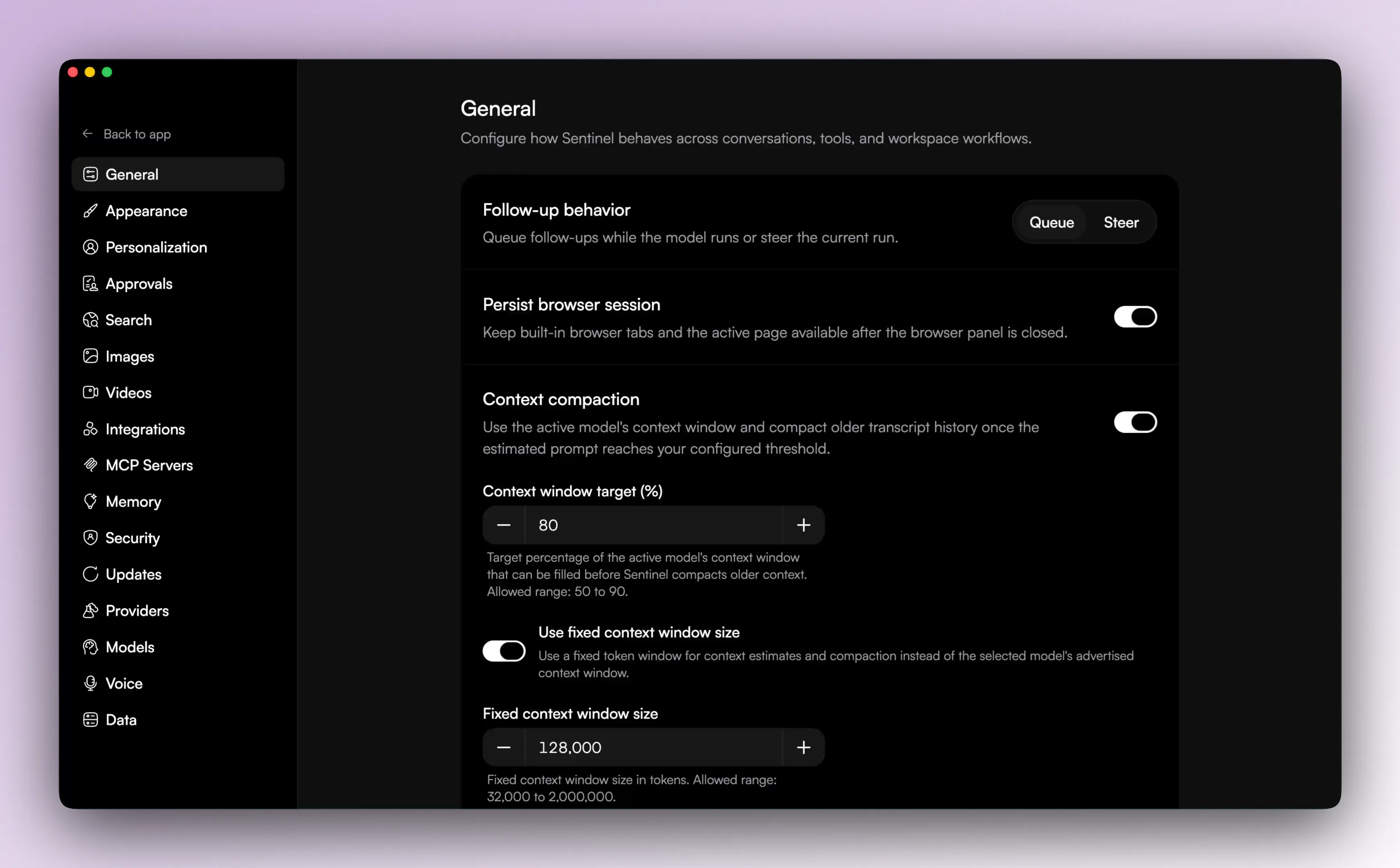
General settings
The general settings screen is the broad entry point into the app-level defaults.
Appearance
Appearance settings control the visual side of the shell, including theme and code presentation details.

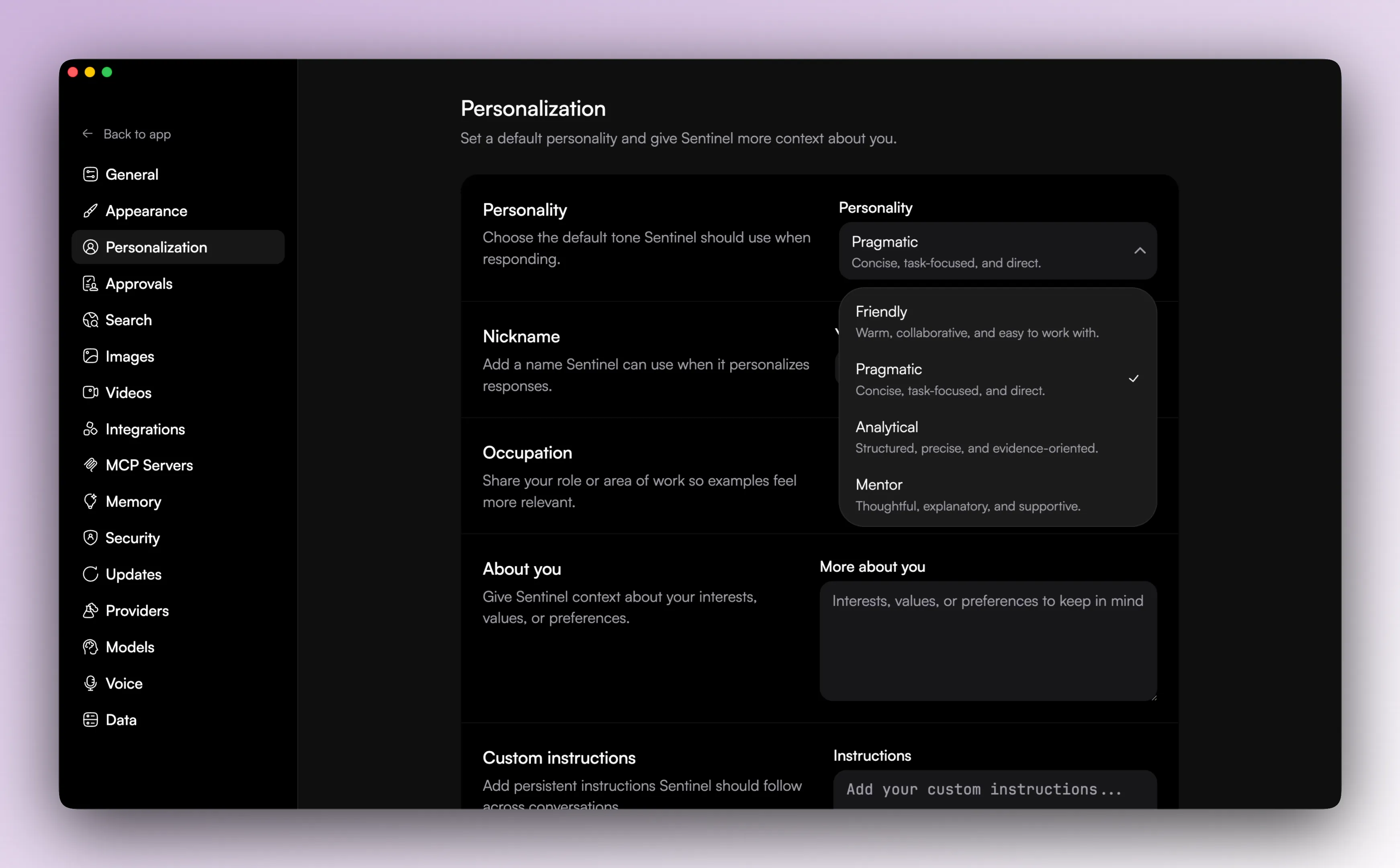
Personalization
Personalization settings shape how Sentinel talks and what user context it can carry into the runtime.