Configuration
Skills
Skills are one of Sentinel's extension systems.
They let the app pull in extra capability packs without stuffing every specialized workflow into the core app.
What skills can target
The skills UI supports three install targets:
sentinelclaudecodex
That matters because a skill can live in different directories depending on the target runtime.
Scope
For local Sentinel and Claude skills, installs can be:
- global
- workspace-scoped
Codex skills are global only.
Sources
Skills can come from:
- the curated registry
- a custom repository or path
The app keeps track of what is installed and where.
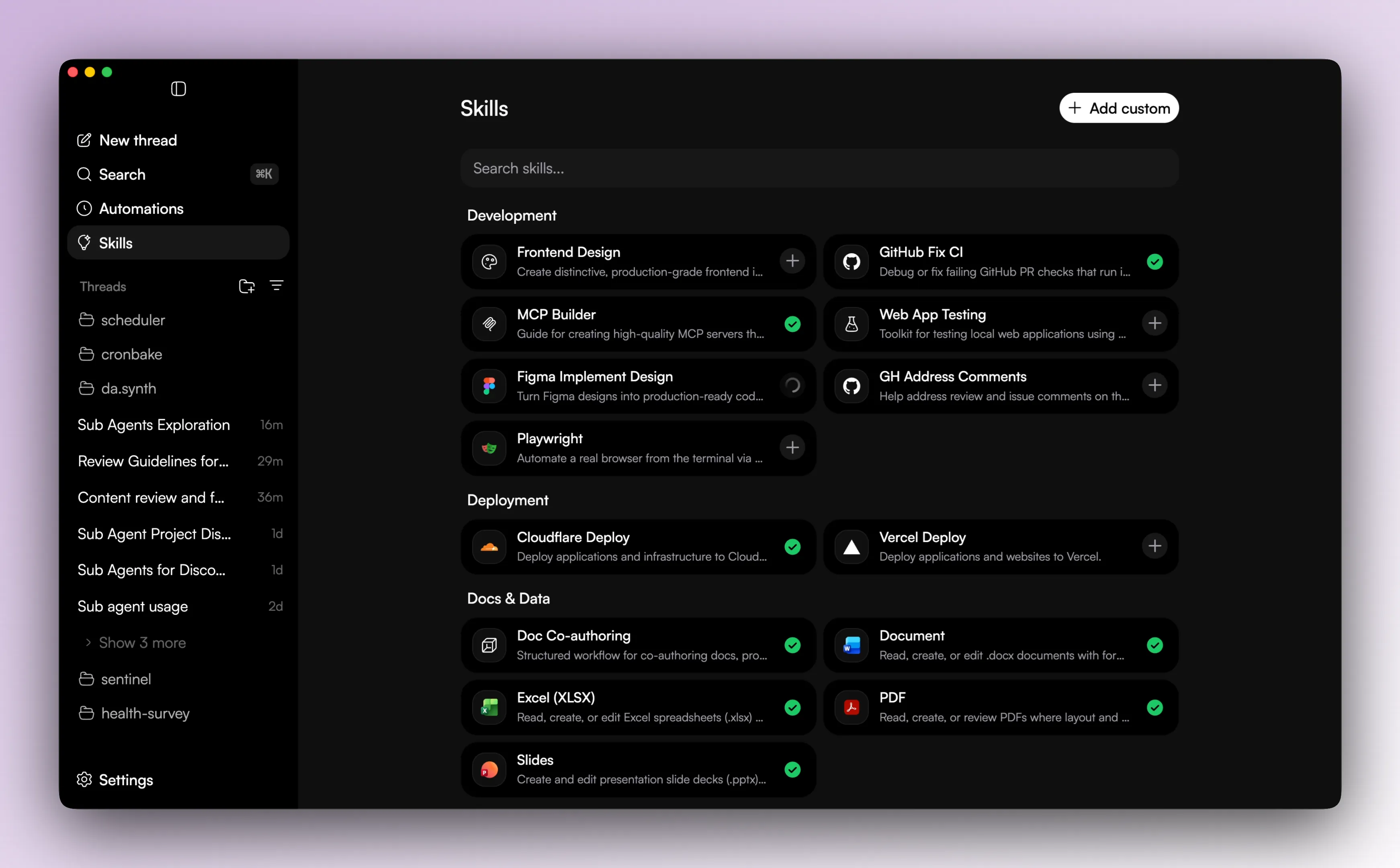
What you can do from the skills screen
- browse installed skills
- browse curated registry entries
- inspect skill details
- install a curated skill
- install a custom skill
- uninstall a skill
For Codex-targeted skills, the app also syncs enabled state through the Codex app server manager.
Why skills exist
Skills are the simpler way to add focused behavior without growing the main app every time.