Memory, security, and data
These three settings areas are different, but they all shape how Sentinel behaves over time.
Memory
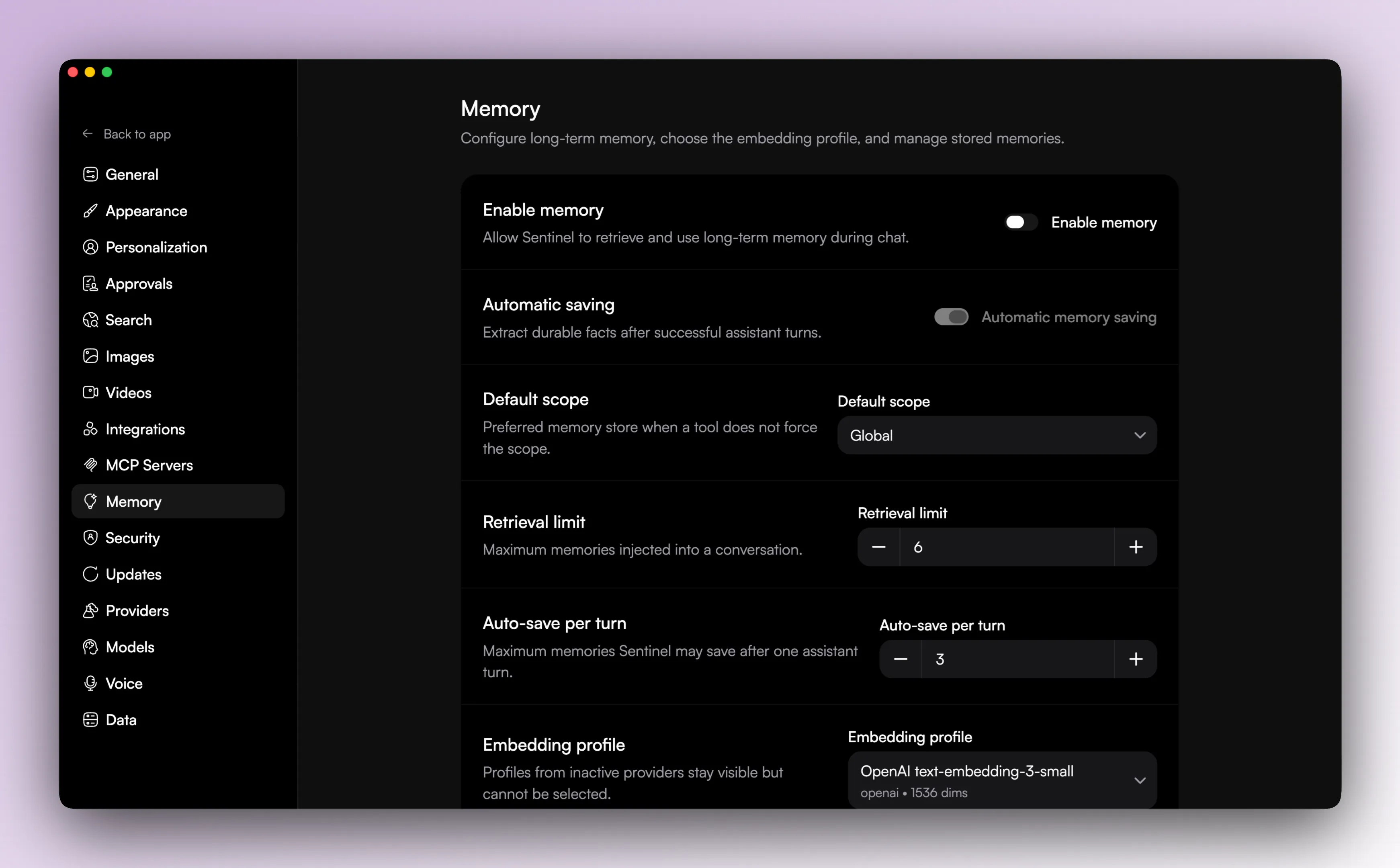
Memory is optional and off by default.
When enabled, the app supports:
- memory retrieval limits
- default scope
- auto-save controls
- a per-turn auto-save limit
- embedding profile selection
- browsing stored memories
- pinning and deleting memories
- clearing all memory
- reindexing memory
Memory items can carry workspace and source thread links, which helps when you are sorting through older entries.
One important limit is that changing the embedding profile with existing memories requires either clearing memory or reindexing.
Security
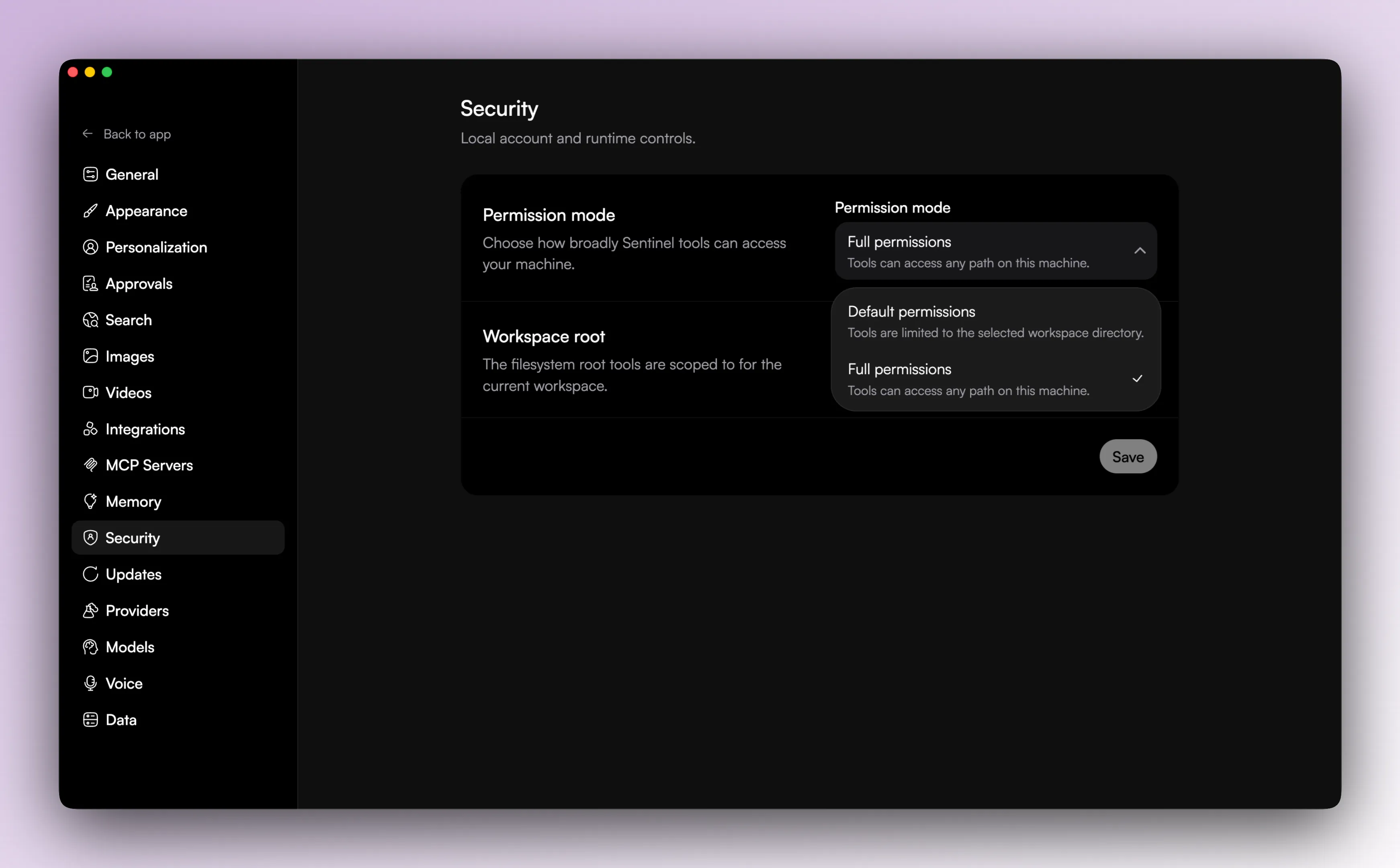
Security settings cover the broader runtime access model.
That includes:
- global permission mode
- current workspace root visibility
The visible permission modes are default and full.
This is separate from the fine-grained approvals screen, which controls whether individual tools or tool groups require confirmation.
Data
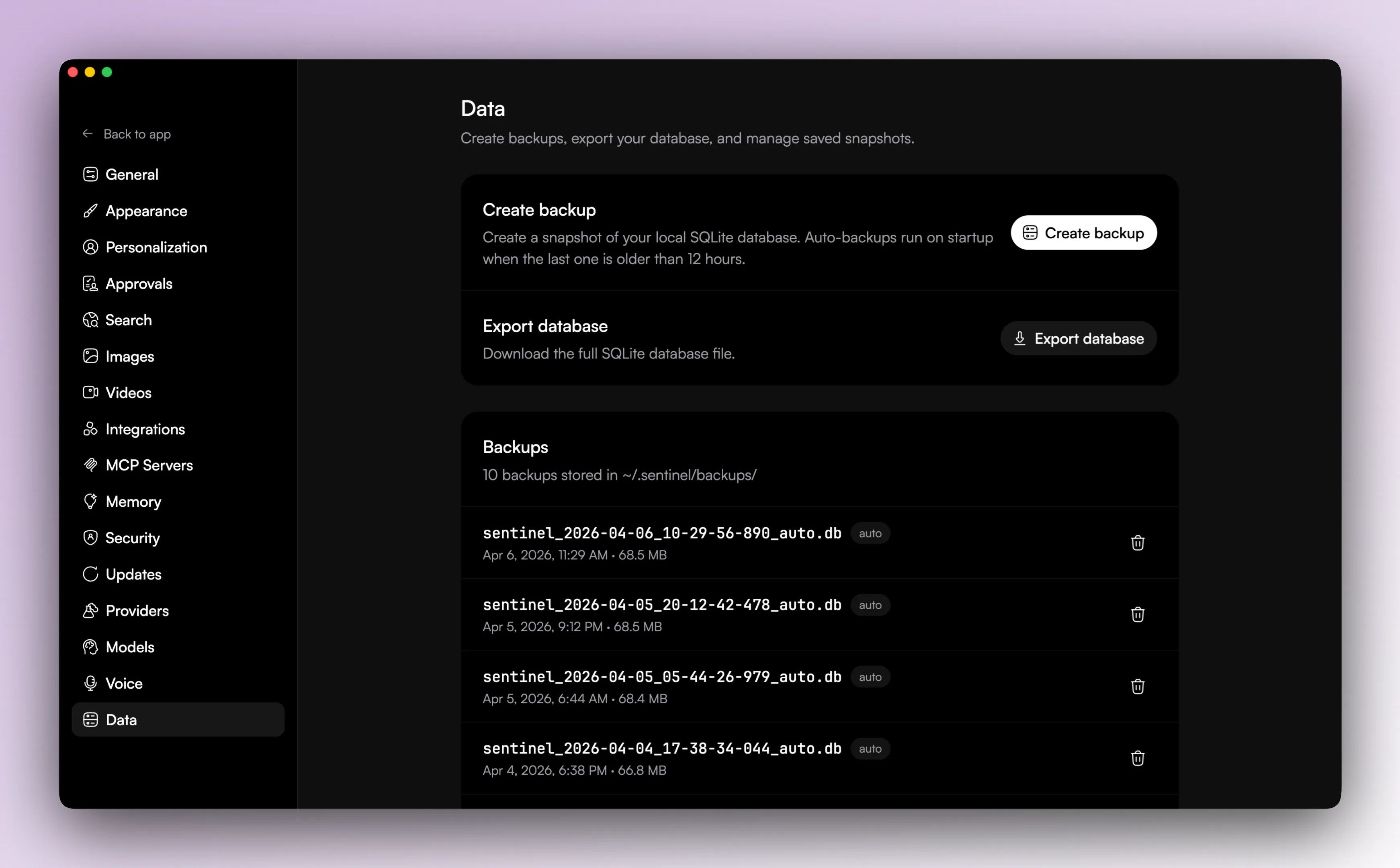
The data screen is about local state management.
It supports:
- creating manual backups of the local SQLite database
- exporting the database
- listing saved backups
- deleting saved backups
There is also automatic backup behavior on startup when the most recent backup is old enough.
What to remember
Memory affects what the model can keep around.
Security affects how far tools can reach.
Data affects how safely you can keep and move local state.