Search, voice, images, and videos
These settings cover the model-adjacent parts of the app.
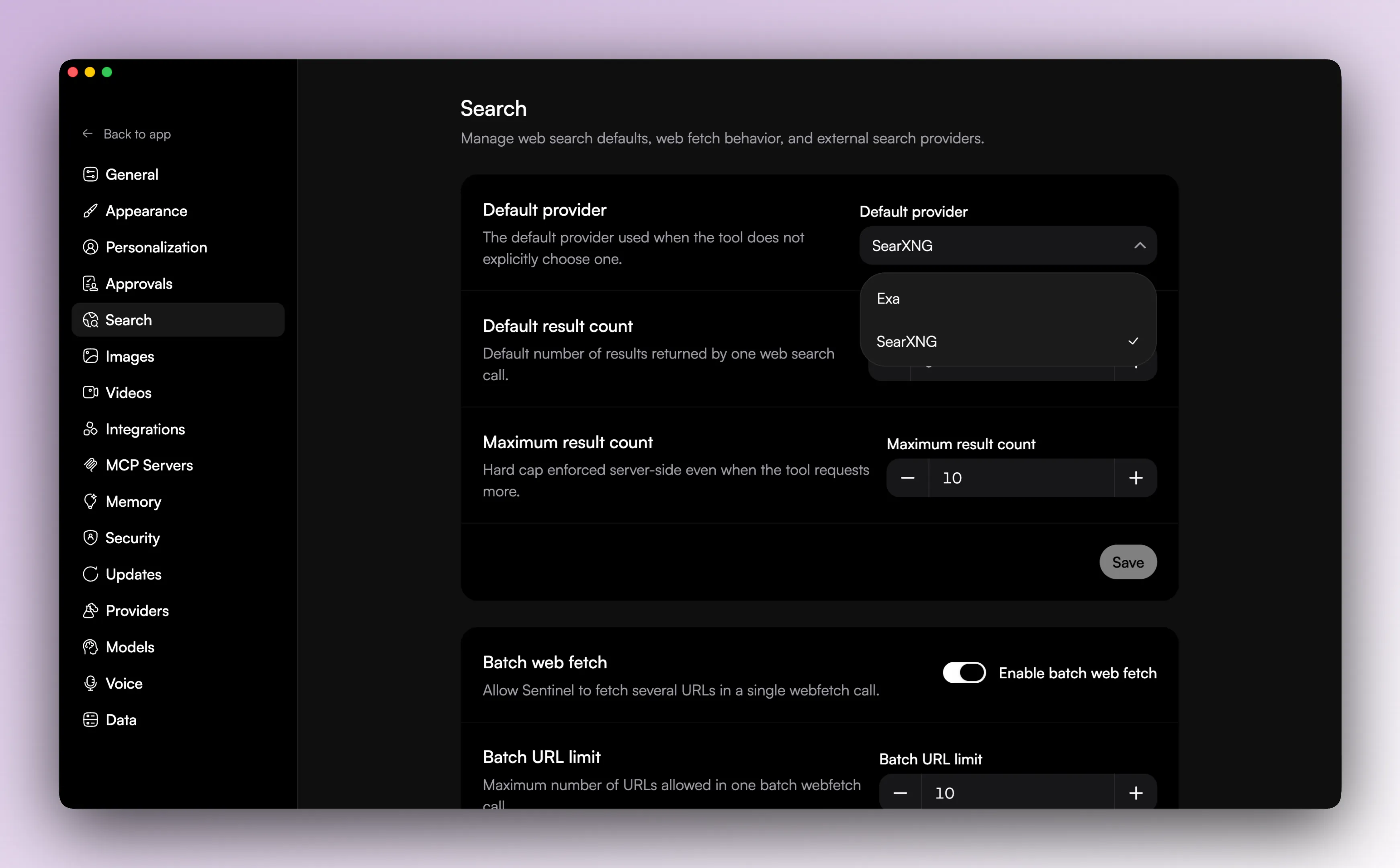
Search
Search has two layers:
- search providers
- search defaults
Current search provider support includes:
- Exa
- SearXNG
You can configure provider credentials and provider-specific settings, then choose:
- the default provider
- the default result count
- the max result count
There is also a separate general setting for batched web fetch, including whether it is enabled and how many URLs can be fetched together.
Voice
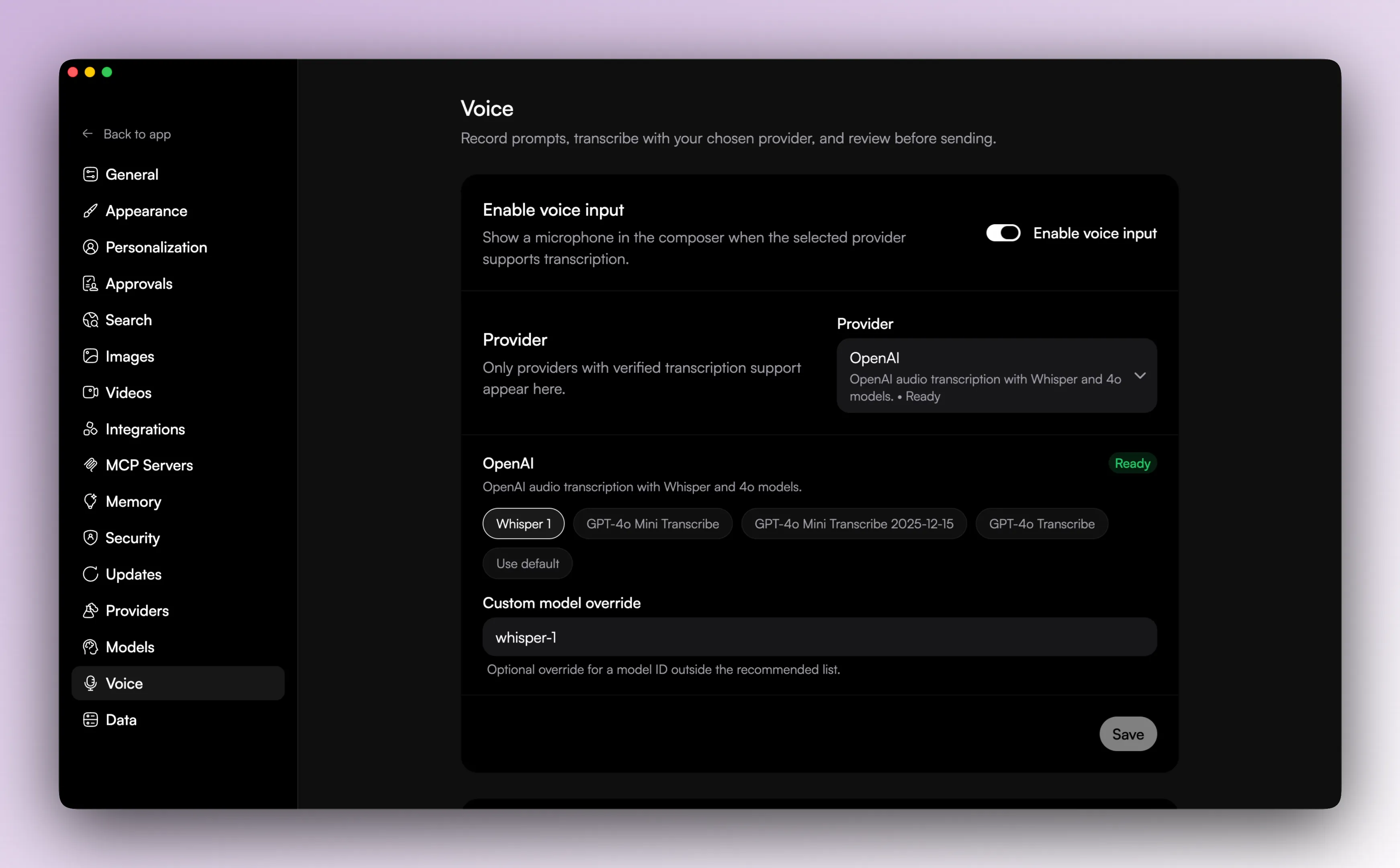
Voice input is optional.
The voice settings screen lets you:
- enable or disable voice input
- choose the transcription provider
- choose the transcription model
Voice availability depends on connected provider credentials. The supported transcription providers in the code are OpenAI, Groq, and Azure.

Images
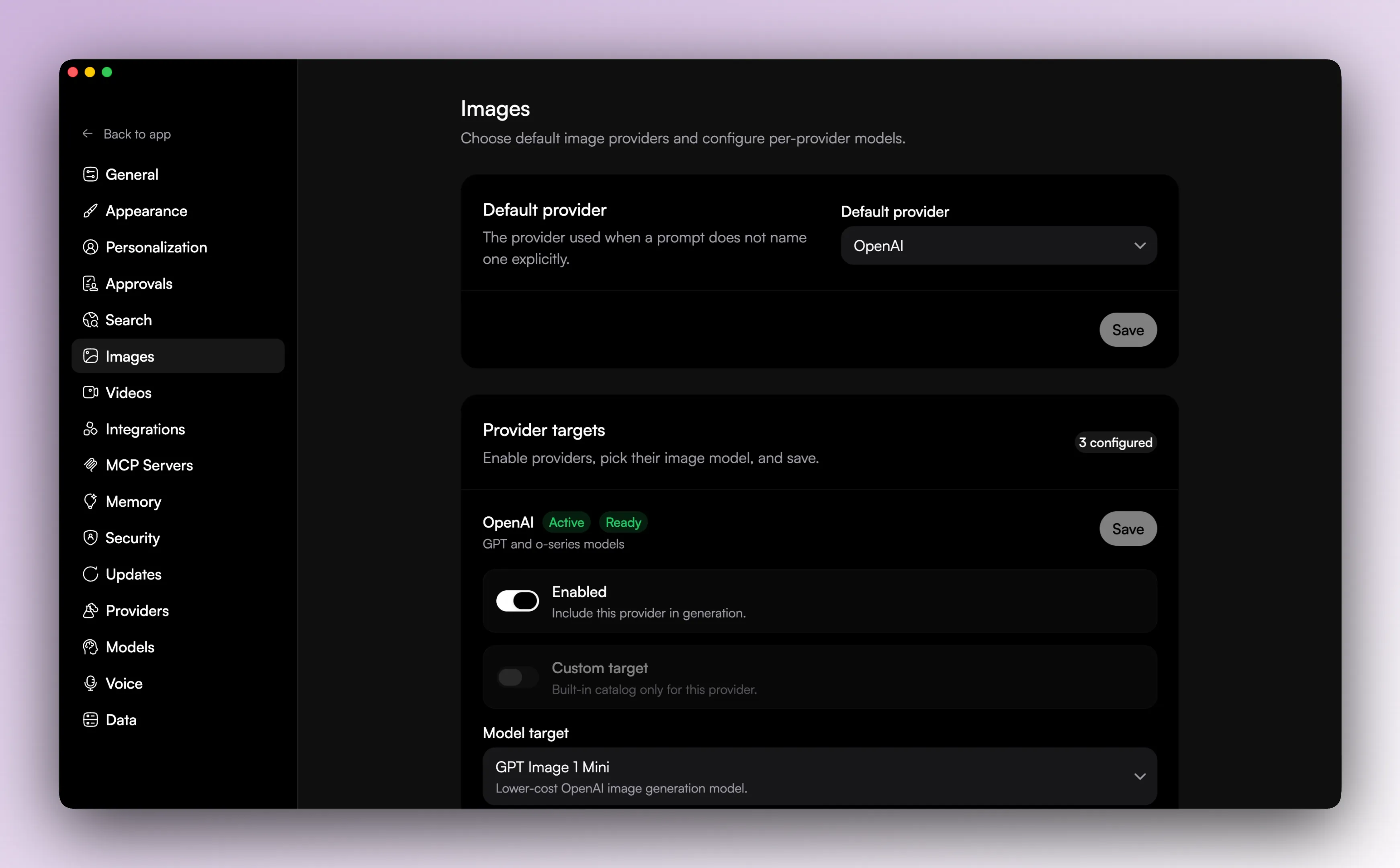
Image generation has its own settings area.
That layer is separate from normal chat providers and lets the user control:
- default image provider
- provider-specific image model selection
- whether the provider is configured for image generation
- custom model IDs where the provider supports them
Videos
Video generation has its own settings area too.
Videos have their own provider and model setup too.
The video generation tool can also fan out across multiple providers in one run, within the limits the app sets for number of targets and total outputs.
Generated video artifacts are written to temporary local storage and then served back through the app UI for playback.

Why the split exists
These settings are split up on purpose.
Chat, search, voice, images, and videos are related, but they are different systems in the app.